Currently Empty: ₹0.00



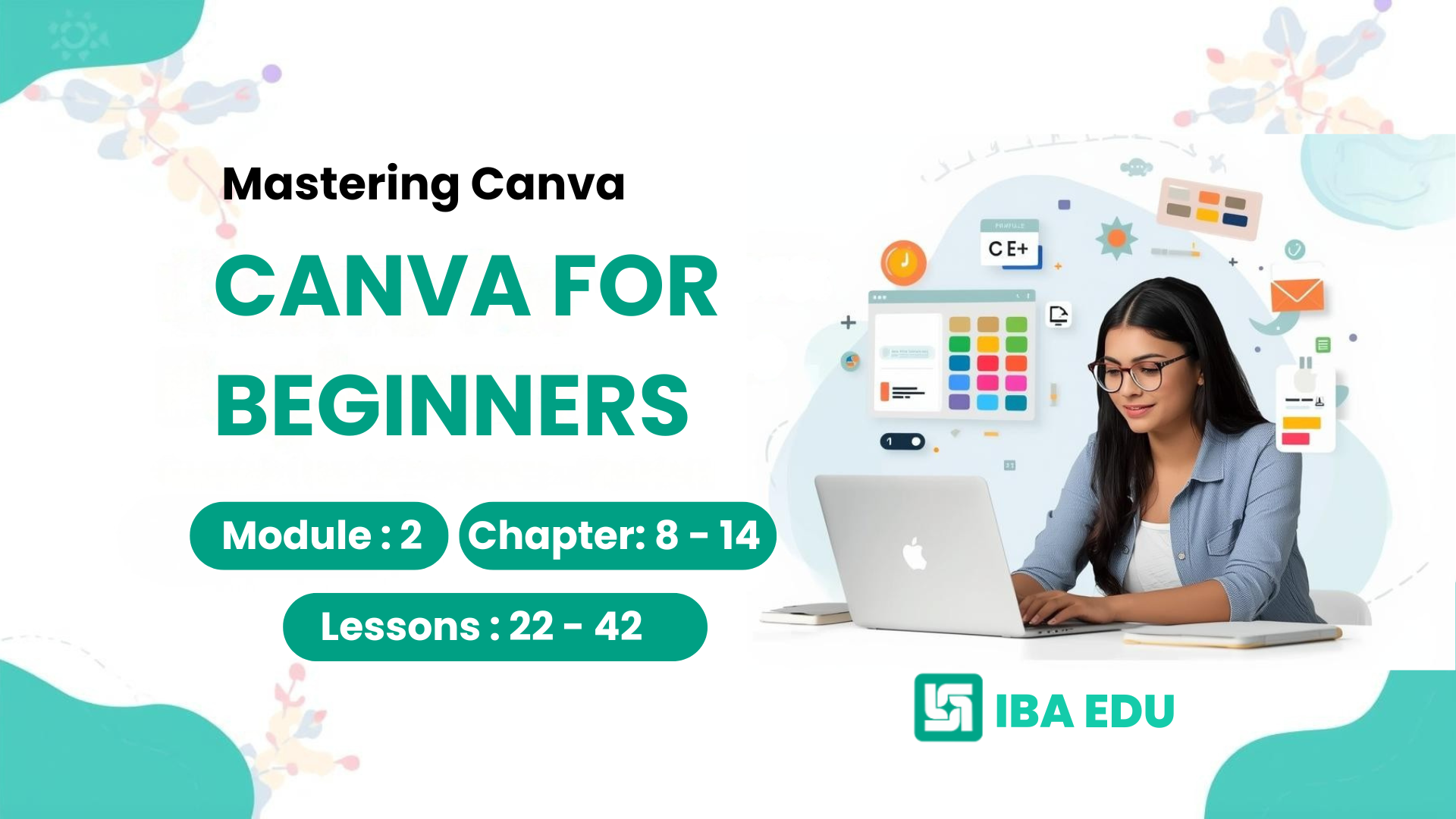
Module 2 of the Canva for Beginners course takes learners deeper into Canva’s core design tools and features. This module focuses on hands-on Canva skills such as using elements, photos, layouts, pages, and basic animations to create professional-looking designs.
Students will learn how to work with shapes, icons, frames, images, backgrounds, alignment tools, and multi-page designs, followed by simple real-world projects like posters, Instagram posts, and basic resumes. The module concludes with a beginner assessment and mini project, helping learners apply Canva tools confidently and correctly.
This module is ideal for students, freshers, job seekers, and beginners who want to build strong Canva design fundamentals for social media, resumes, presentations, and entry-level design roles.
Key skills covered:
Canva Elements Panel, photo editing basics, layout alignment, page management, beginner animations, and practical design projects.
Course Content
MODULE 2: Canva Tools Deep Dive (Beginner Level)
-
Lesson 22: Shapes & Graphics
12:00 -
Lesson 23: Icons & Stickers
05:00 -
Lesson 24: Using Frames
07:00 -
Lesson 25: Canva Photo Library
11:00 -
Lesson 26: Uploading Images
05:00 -
Lesson 27: Background Removal (Intro)
11:00 -
Lesson 28: Positioning Objects
22:00 -
Lesson 29: Layering & Grouping
15:00 -
Lesson 30: Clean Layout Techniques
13:00 -
Lesson 31: Adding Pages
08:00 -
Lesson 32: Page Duplication
08:00 -
Lesson 33: Page Reordering
08:00 -
Lesson 34: Page Animations
08:00 -
Lesson 35: Element Animations
08:00 -
Lesson 36: When NOT to Animate
07:00 -
Lesson 37: Poster Design
08:00 -
Lesson 38: Instagram Post
06:00 -
Lesson 39: Resume Design (Basic)
08:00 -
Lesson 40: Design Brief Explained
07:00 -
Lesson 41: Hands-on Task
04:00 -
Lesson 42: Feedback Checklist
05:00
A course by
A
Student Ratings & Reviews

No Review Yet
 Lessons:
Courses You May Like

Beginner
Mastering Canva for Beginners: (Module 1) : Complete Foundations Course
Free
Unlock your creative potential with Canva for Beginners: Complete Foundations Course (Module 1). Whether you are a college student, an aspiring entrepreneur, or a professional...
Enroll Now