Currently Empty: ₹0.00



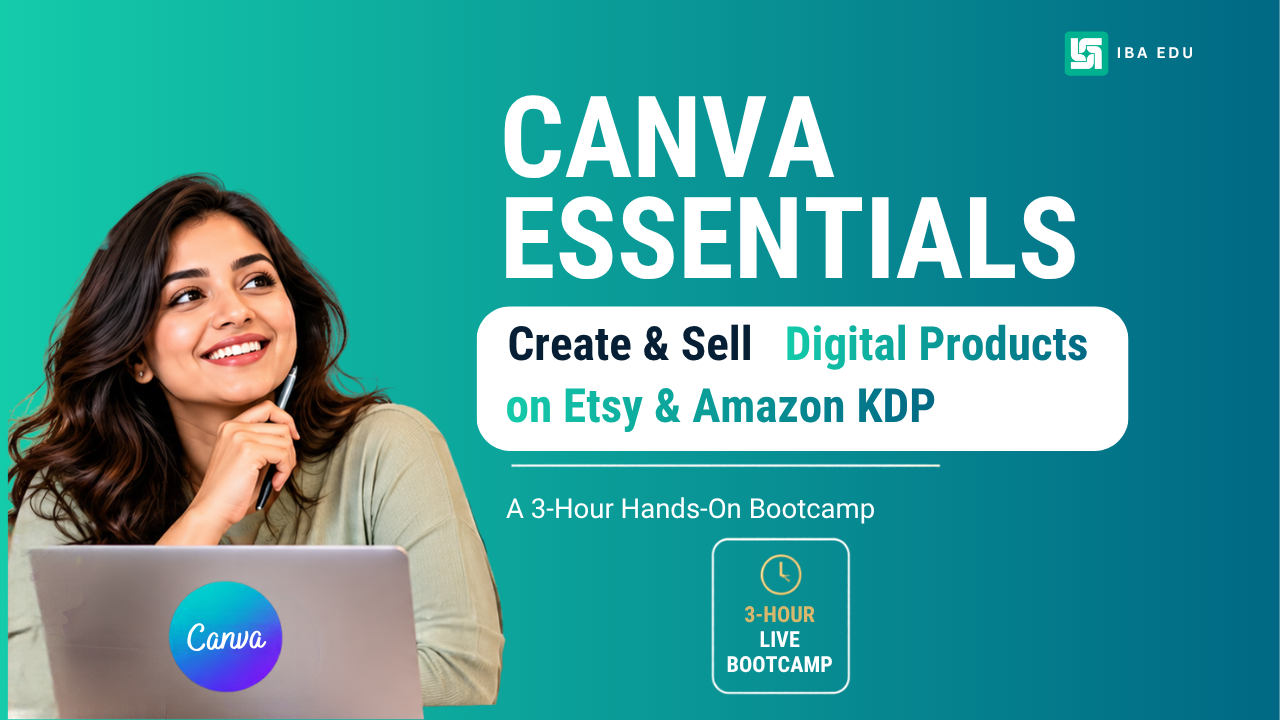
A 3-hour hands-on bootcamp for college students, professionals and homemakers.
Learn to design invitations, children’s coloring books, daily planners and storybooks using Canva—and discover how to prepare them for online selling.
Course Overview
Turn your creative ideas into digital product designs with the Canva Digital Product Launchpad, a practical, beginner-friendly bootcamp designed for working professionals, homemakers, freelancers and aspiring entrepreneurs.
In this hands-on, three-hour bootcamp, learn the essentials of Canva and create four digital product prototypes: an invitation bundle, a children’s coloring and activity book, a daily productivity planner, and a mini storybook.
Discover how to prepare your designs for digital distribution, understand the differences between Etsy and Amazon Kindle Direct Publishing (KDP), and identify the next steps towards developing your first market-ready product.
No prior graphic design experience is required.
WHAT YOU WILL GET
-
Live Interactive Sessions — Learn through practical, guided demonstrations and hands-on activities.
-
20 Ready-to-Use Canva Templates — Get editable starter templates to customise and build your digital products.
-
Lifetime Course Access — Revisit the course materials whenever you need them.
-
Course Completion Certificate — Receive a certificate upon meeting the course completion requirements.
Course Requirements
-
A laptop or desktop computer.
-
An internet connection.
-
A free Canva account.
-
Basic computer and internet skills.
-
A willingness to learn through hands-on practice.
No previous design experience is required. Some activities may be easier to complete on a computer than on a mobile phone.
Course Content
MODULE 1 — Canva Essentials & Design Foundations
-
Welcome to the Canva Digital Product Launchpad
-
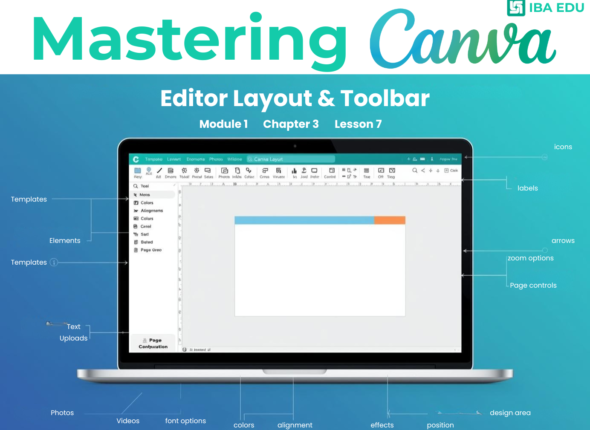
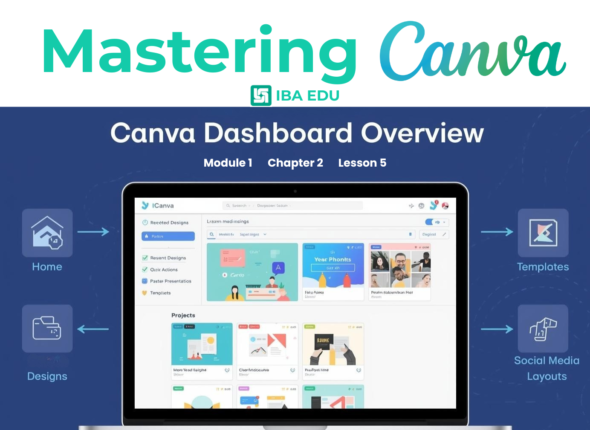
Exploring the Canva workspace
-
Understanding templates, elements, text and graphics
-
Working with colors, fonts and visual hierarchy
-
Arranging, aligning and duplicating design elements
-
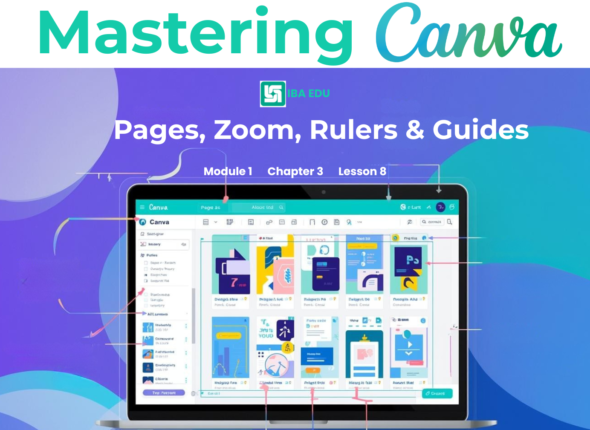
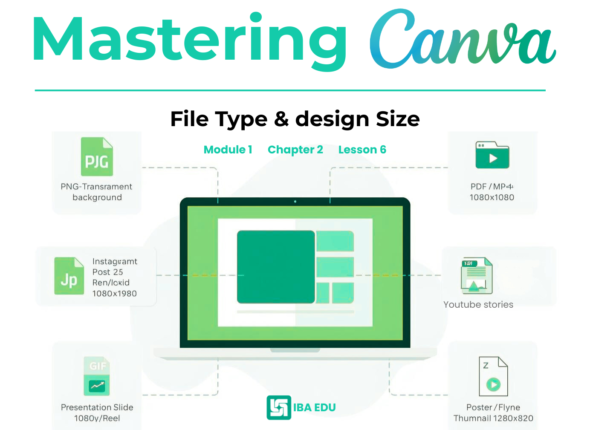
Understanding pages, file formats and downloads
-
Practical Activity: Explore Canva and customise a starter design.
MODULE 2 — Create an Invitation & Party Printable Bundle
MODULE 3 — Create a Children’s Coloring & Activity Book
MODULE 4 — Design a Daily Productivity Planner
MODULE 5 — Design a Children’s Mini Storybook
MODULE 6 — Package Your Products & Explore Online Selling
MODULE 7 — Product Showcase & Launch Roadmap
A course by
A
Student Ratings & Reviews

No Review Yet
 Lessons:
Courses You May Like
Beginner
CANVA CREATOR PROGRAM (Age 5-15)
₹7,500.00
1-Month Practical Creative Program | Ages 5–15Learn Canva. Create Projects. Build Creativity.Children learn Canva by creating authentic digital assets while developing visual communication, digital literacy,...
Enroll Now
Beginner
Mastering Canva for Beginners: (Module 1) : Complete Foundations Course
Free
Unlock your creative potential with Canva for Beginners: Complete Foundations Course (Module 1). Whether you are a college student, an aspiring entrepreneur, or a professional...
Enroll Now
Beginner
Mastering Canva for Beginners : (Module 2) : Complete Foundations Course
Free
Module 2 of the Canva for Beginners course takes learners deeper into Canva’s core design tools and features. This module focuses on hands-on Canva skills...
Enroll Now